





BLACK FRIDAY

2× credits on new plans, plus 2× packs for subscribers. Ends Dec 1.

Ends Dec 1, 11:59 pm PTGet 2× credits

4K Image Converter

Turn a 1080p, 2K or smaller image into 4K. Upload a JPG, PNG or WebP, see the exact 4K size it will reach and download a 3840 px PNG that keeps its proportions.

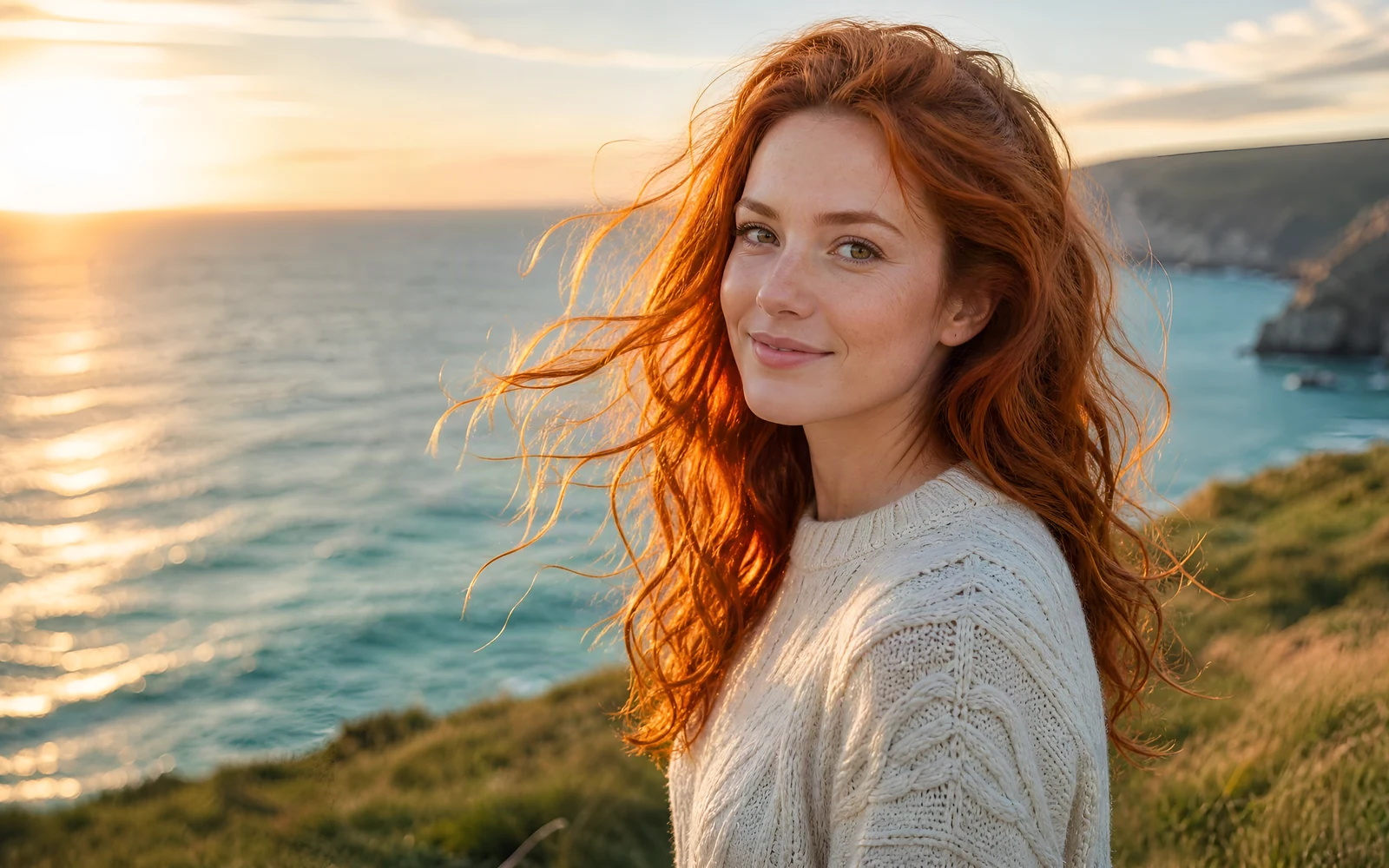
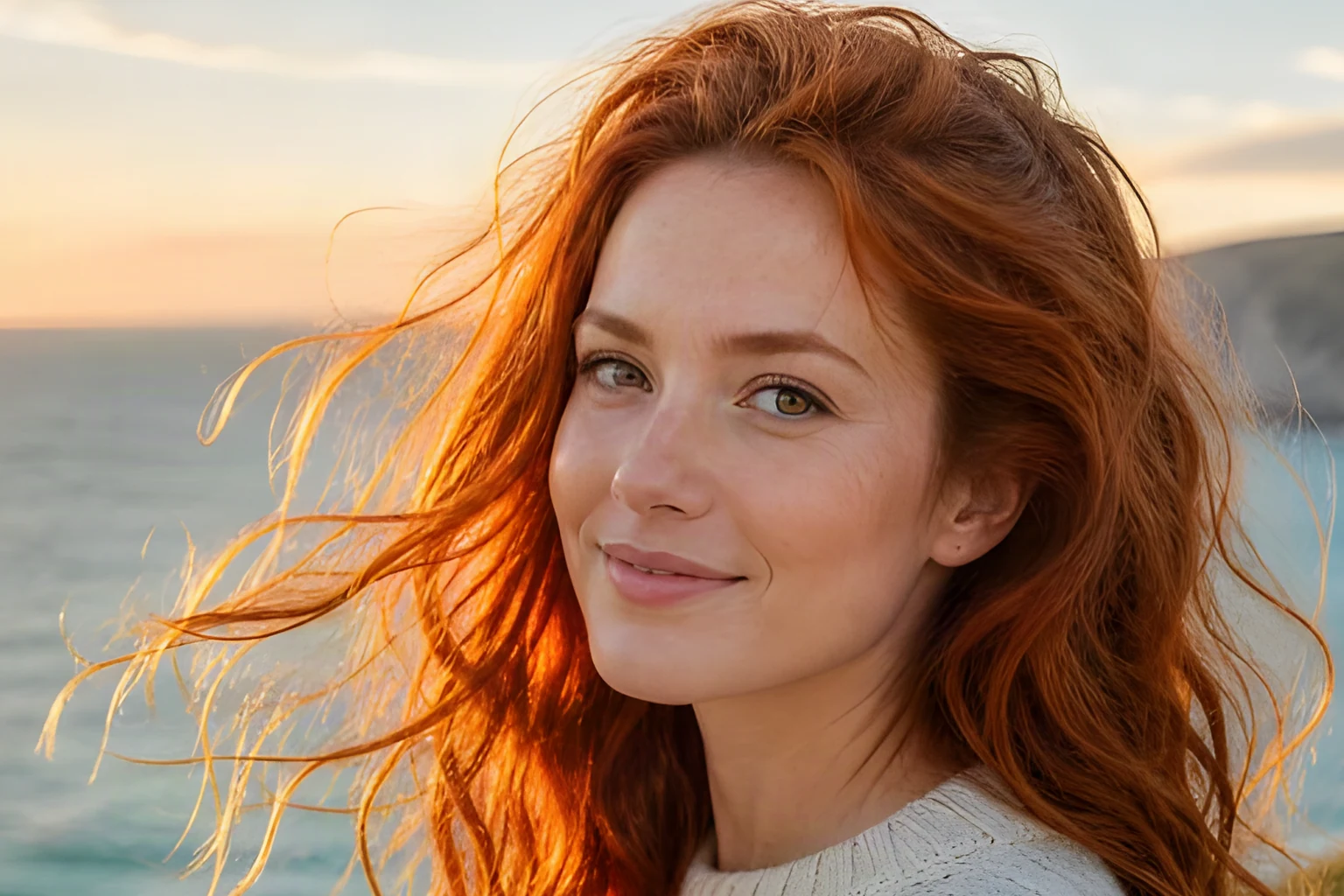
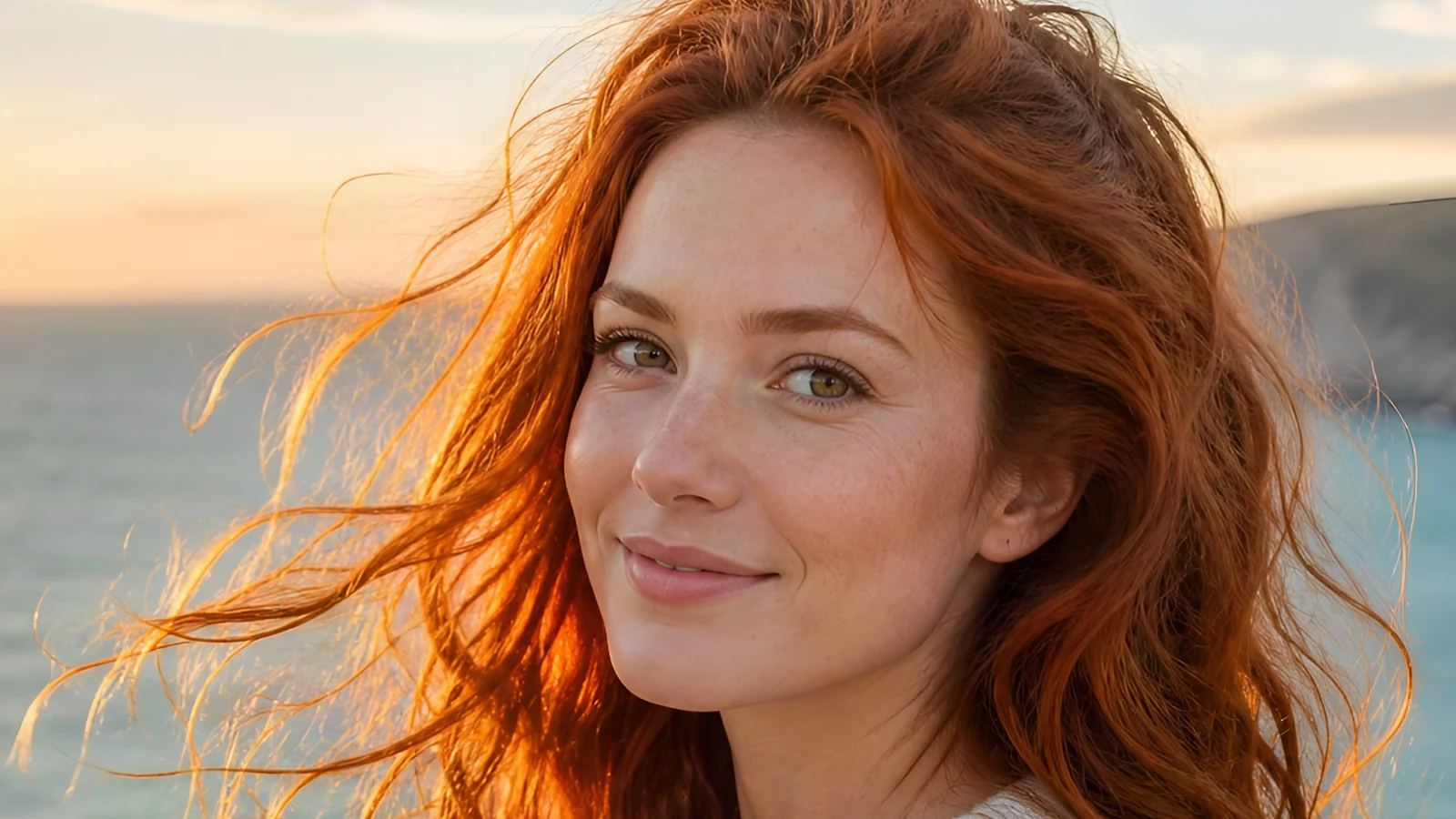
The same photo converted to 4K at 3840 × 2160, showing her hair strands, eyes and freckles
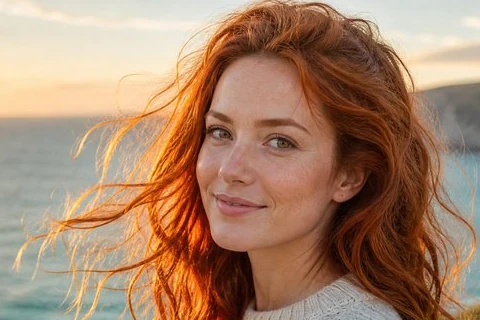
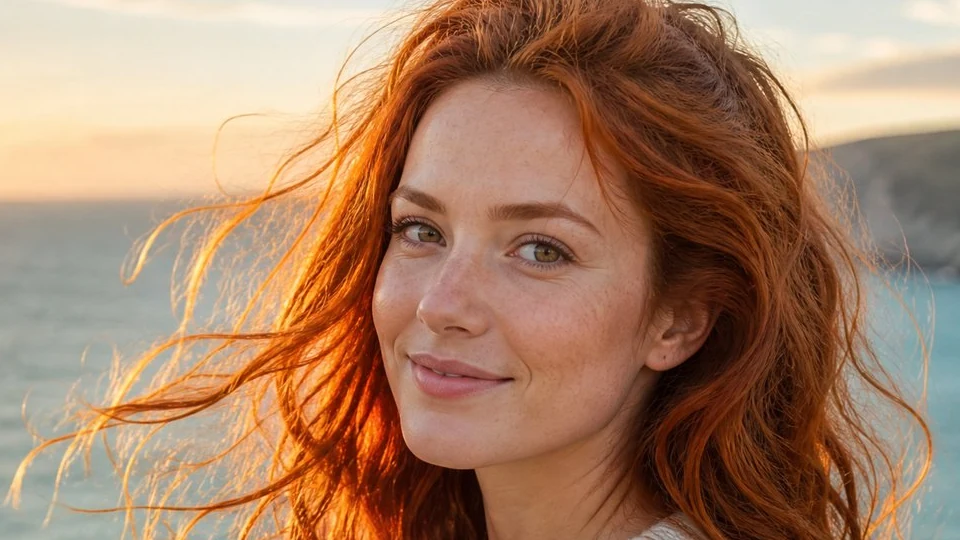
A 960 × 540 photo of a woman with long copper hair on a sea cliff at sunset, shown at 4K size
960 × 5403840 × 2160 (4K)
Mode
Upscale factor

Optional setting for images that show people. Leave it off for images without people.

Requires purchased credits
Output
—
Cost
—
Free to start
  • 3840 px 4K PNG
  • Keeps your proportions
  • Photo & Anime modes
  • Full-size result kept 30 days

Before and after

4K image converter results: original and 4K

Each pair shows a source image next to the 4K PNG the converter made from it, so you can judge edges, textures and faces at the size you plan to use.

4K portrait preview showing the same woman’s hair and eyes
Source portrait of a woman with copper hair on a sea cliff
BeforeAfter

1080p portrait to 4K

A 1920 × 1080 portrait converted to 3840 × 2160 at 2×, with hair strands and eyes still defined at 4K.

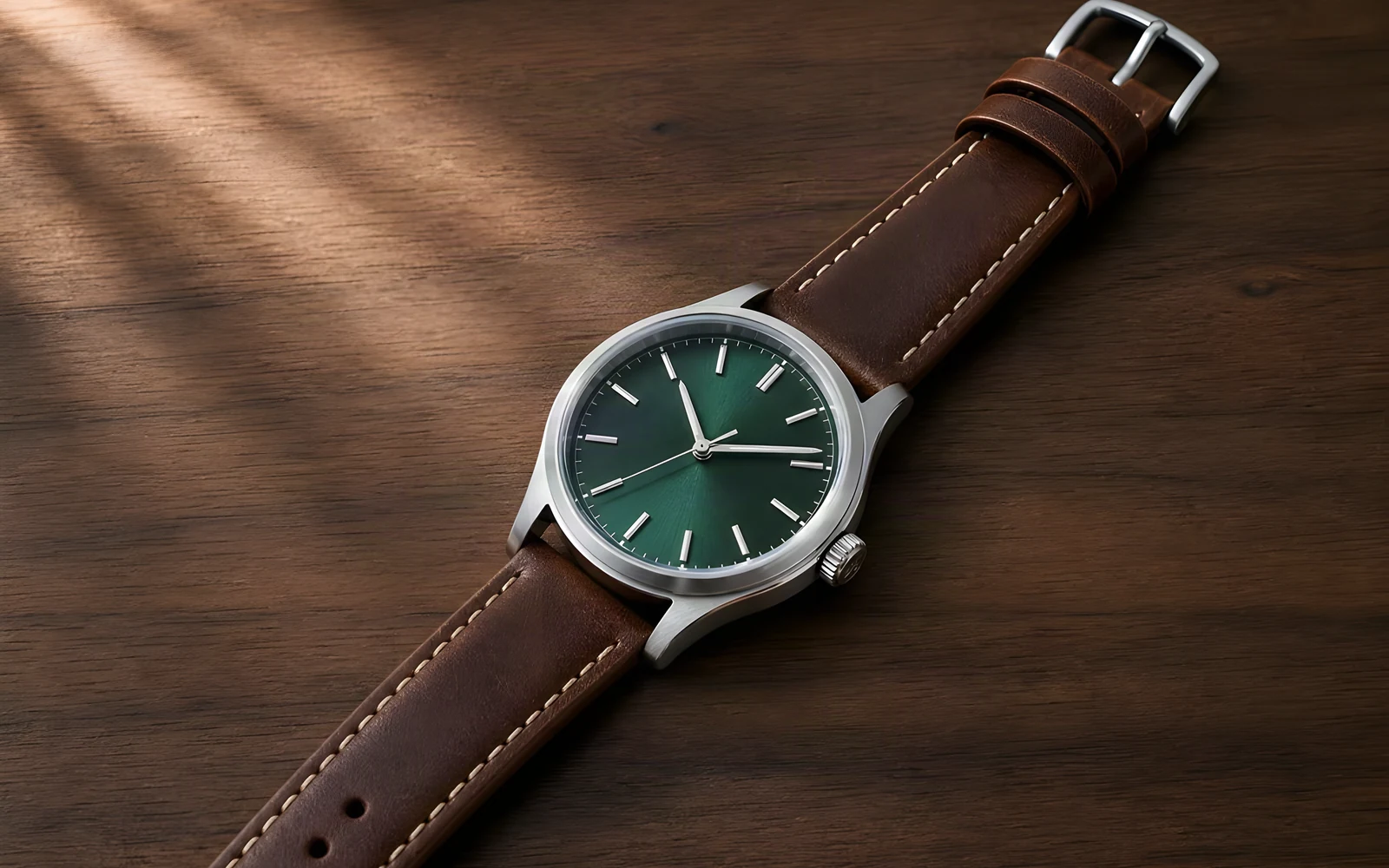
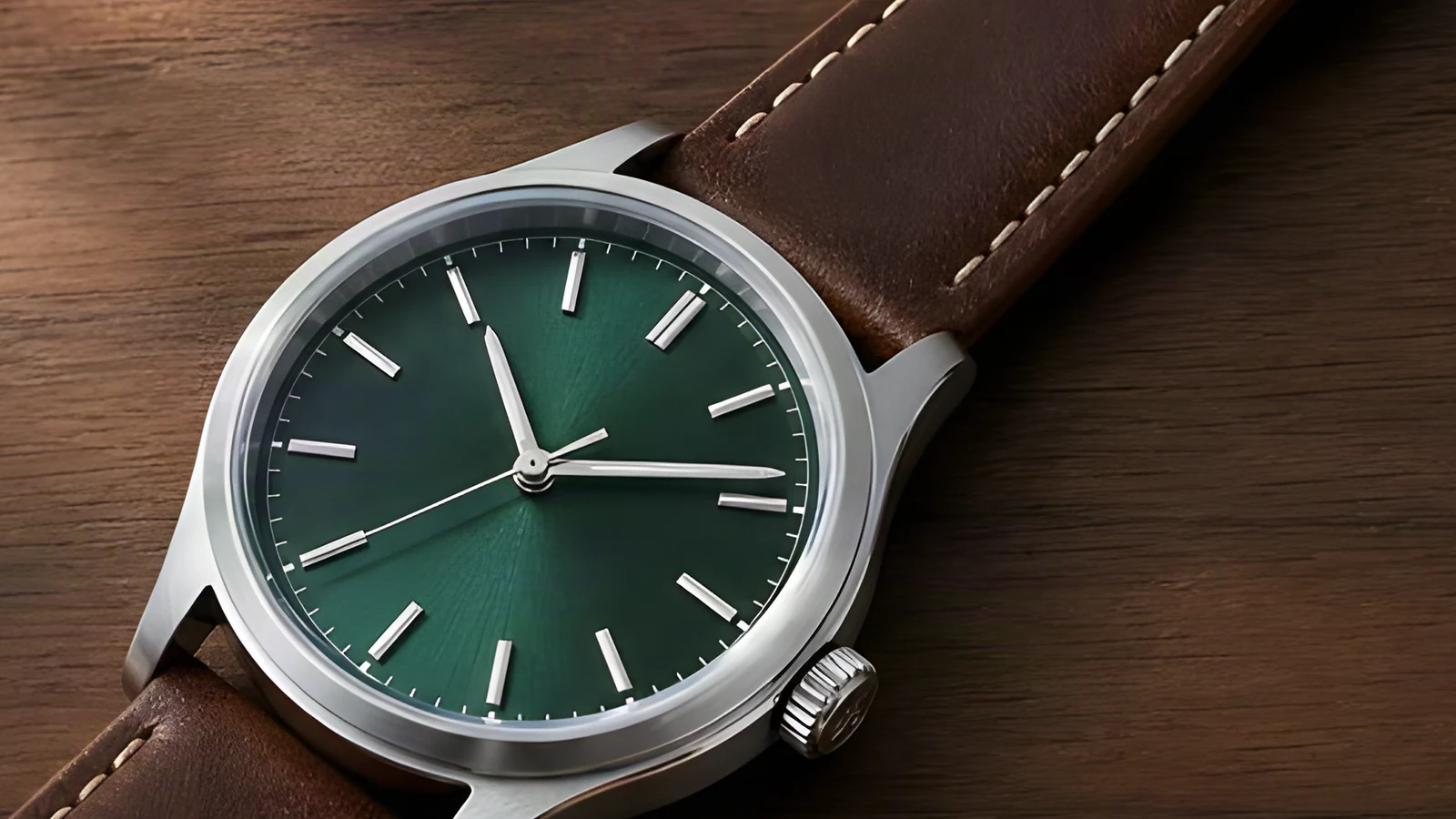
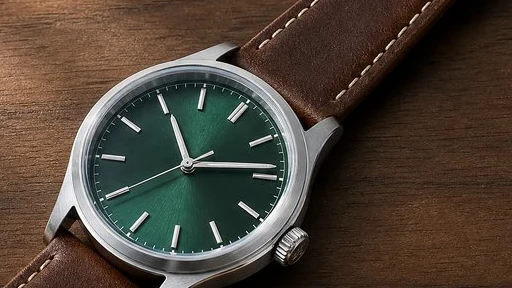
4K watch preview showing the dial markings, hands and strap stitching
Source product photo of a green-dial watch on wood
BeforeAfter

Product photo to 4K

A 1024 × 768 watch photo turned into a 3840 × 2880 4K copy, with a crisp dial, hands and stitching.

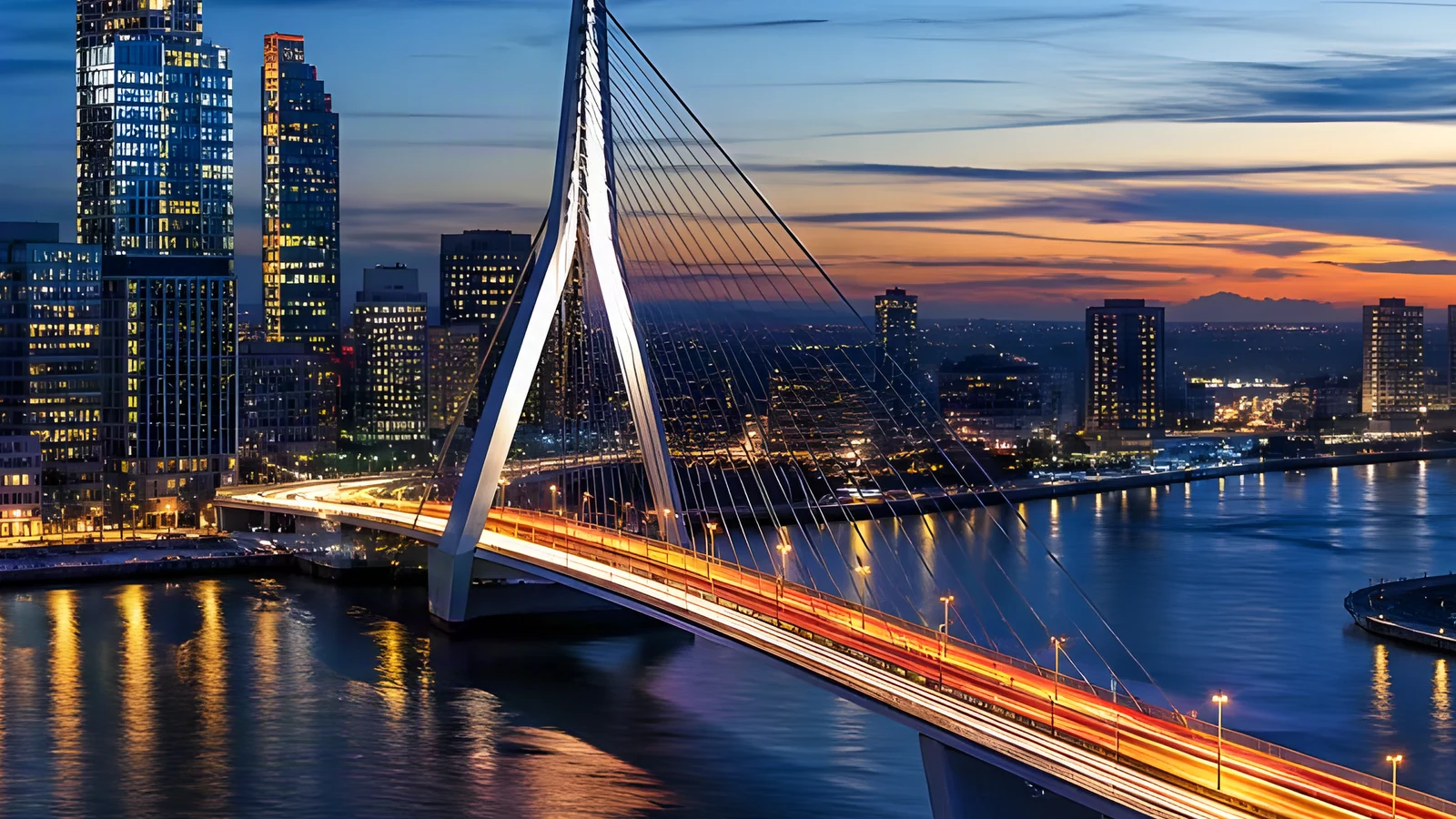
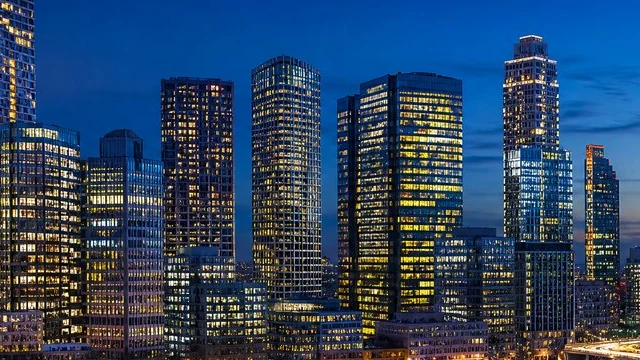
4K skyline preview showing bridge cables and city lights
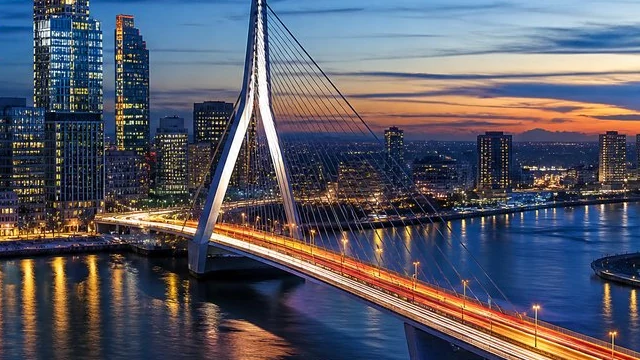
Original blue-hour skyline with a cable-stayed bridge
BeforeAfter

720p skyline to a 4K wallpaper

A 1280 × 720 city shot converted to 3840 × 2160, ready to fill a 4K monitor.

4K detail of the same illustration showing the scarf and hair outlines
Source detail of an illustrated boy wearing a red scarf
BeforeAfter

A 4:3 illustration with a 4K long edge

Anime mode converted the 1280 × 960 source to 3840 × 2880 while keeping its 4:3 proportions. The slider shows matched detail crops.

Features

A 4K resolution image converter that shows the size first

This 4K image converter shows the exact 4K dimensions, keeps your proportions and offers the right mode for the picture you have.

See the exact 4K size before you start

As soon as you upload, the 4K image converter reads the width and height of your image and shows the size it will reach: 3840 px on the long edge, with the short edge in proportion. It also selects the smallest upscale factor that gets there, so you never guess whether 2× or 4× is enough for a 4K screen.

Convert to 4K
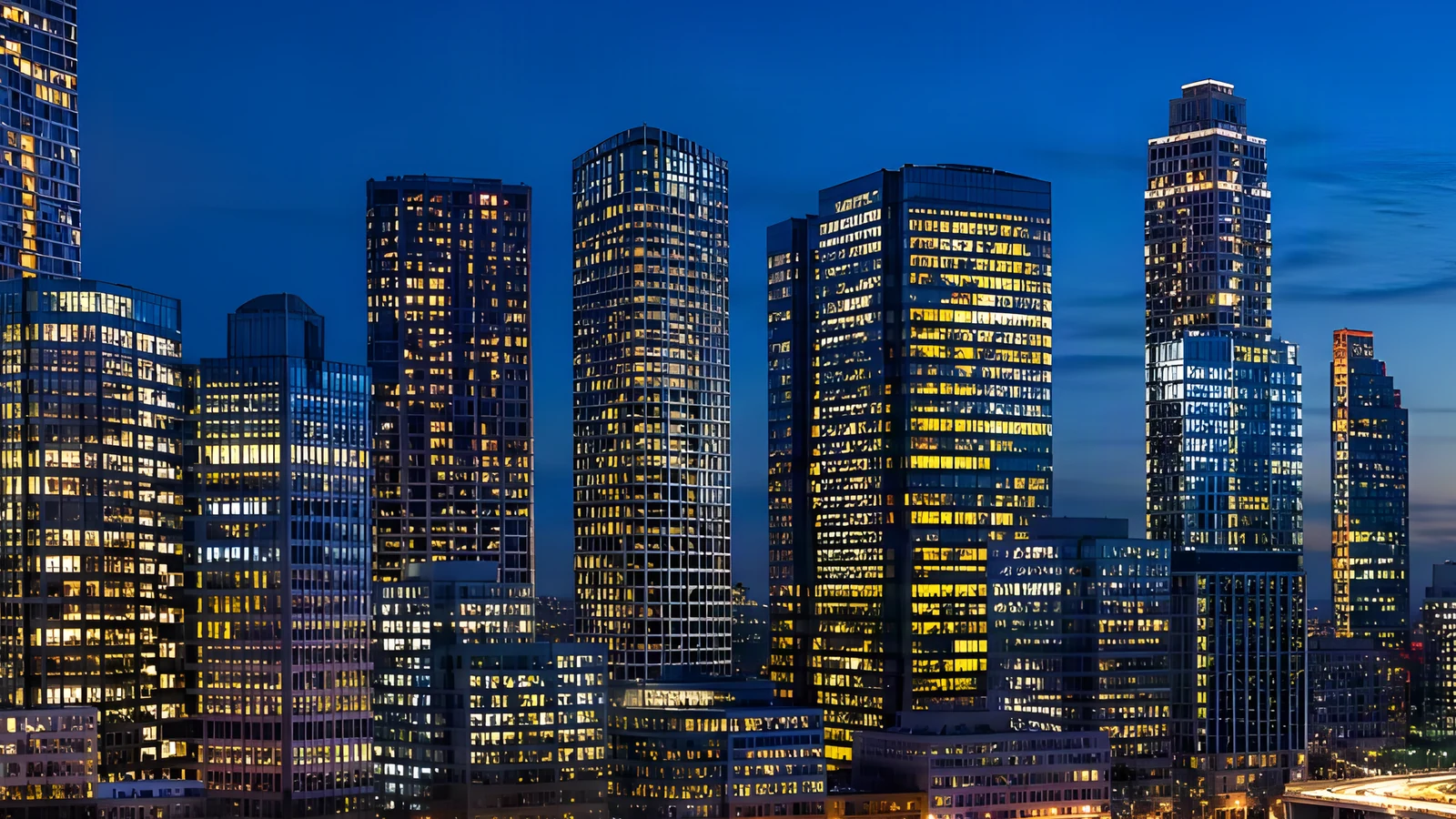
The same skyline converted to 4K at 3840 × 2160, with sharp office window grids
A 1280 × 720 photo of a city skyline at blue hour, zoomed in
1280 × 7203840 × 2160 (4K)

Keep your proportions, with no cropping or stretching

With the 4K image converter, a 16:9 image becomes 3840 × 2160, a 4:3 photo becomes 3840 × 2880 and a vertical 9:16 shot becomes 2160 × 3840. The converter never crops your picture or stretches it to fit, so faces, products and text keep their shape at 4K resolution.

Convert to 4K
The same 4:3 photo converted to 3840 × 2880, with detailed fur and eyes
A 1440 × 1080 photo of an Australian Shepherd in an autumn park, zoomed in
1440 × 10803840 × 2880 (4K, 4:3)

Photo or Anime mode for the image you have

The 4K image converter has two modes: Photo suits camera shots, screenshots and product images, while Anime keeps the clean lines and flat colors of illustrations, game art and manga panels. Turn on Enhance faces for portraits and group photos to give eyes, hair and skin more definition at 4K.

Convert to 4K
The same illustration converted to 3840 × 2880 in Anime mode, with clean line art
A 1280 × 960 anime illustration of a boy with a red scarf, zoomed in
1280 × 9603840 × 2880 (Anime)

Download a 4K PNG and keep the full-size result

Every conversion in the 4K image converter gives you a 4K PNG copy for screens, slides and prints, and the full-size upscale is kept as well. Both live in History for 30 days, so you can download the 4K version today and come back for the larger file later.

Convert to 4K
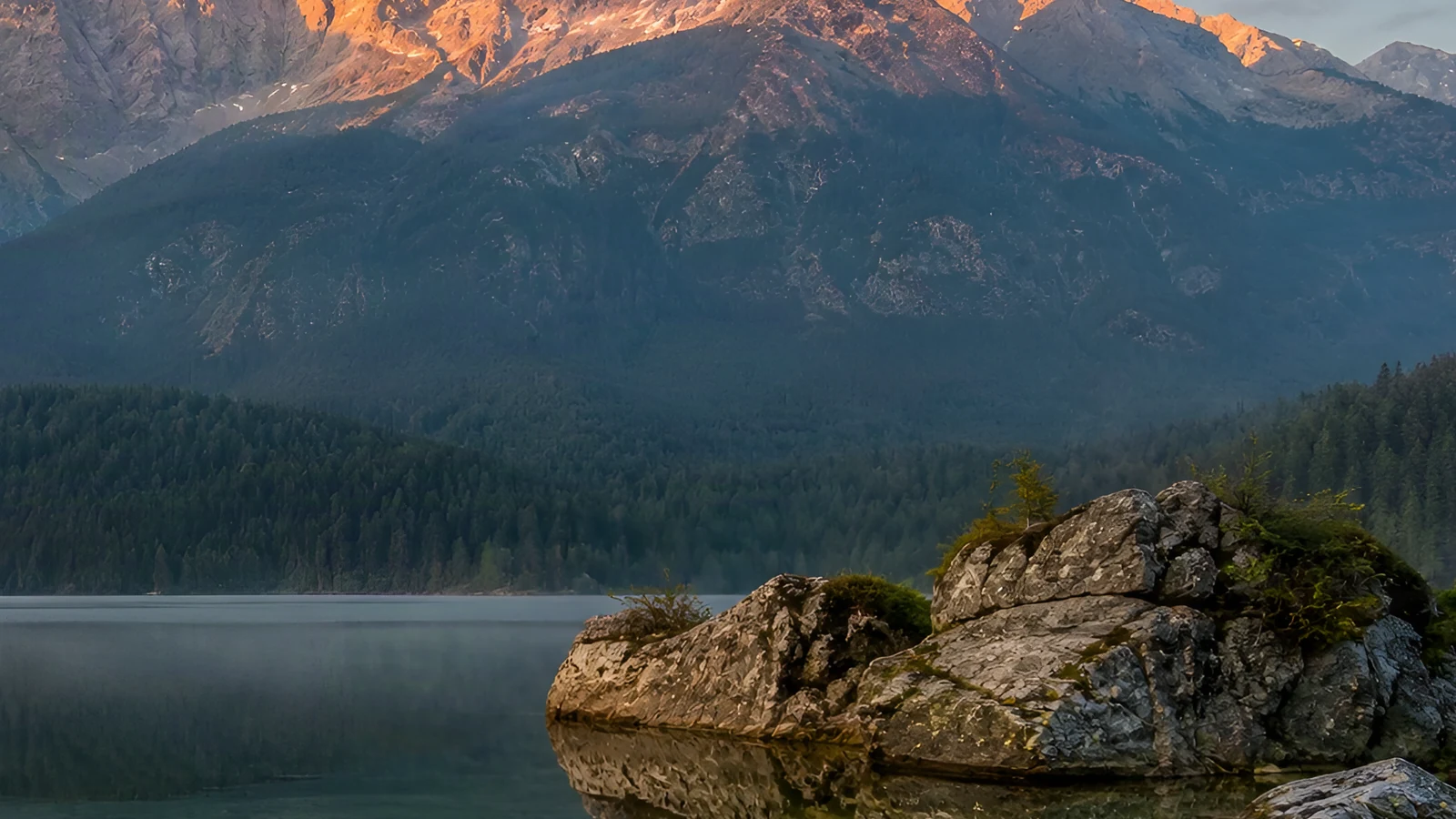
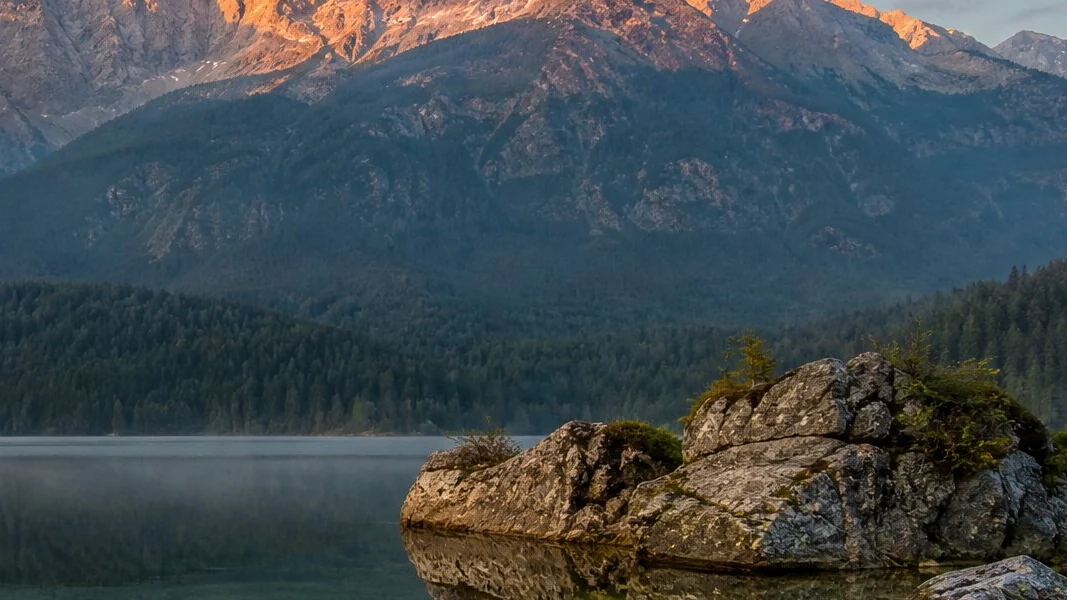
The same 2K photo converted to 4K at 3840 × 2160, with detailed rock and forest texture
A 2560 × 1440 2K photo of mountains and a rocky lake shore, zoomed in
2560 × 1440 (2K)3840 × 2160 (4K)

How it works

How to use the 4K image converter in three steps

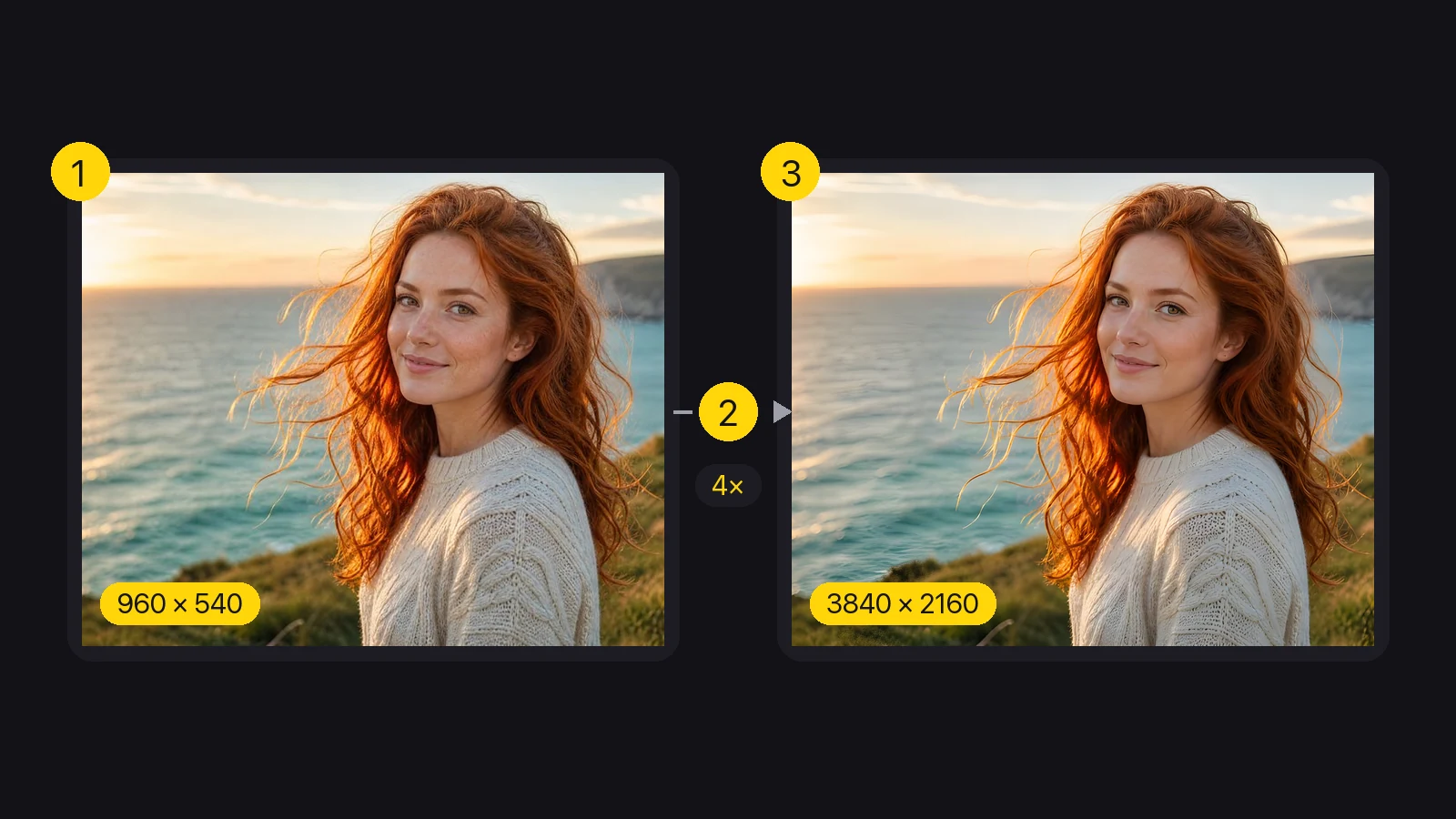
Convert image to 4K in three steps: upload, check the 4K size and download. This 4K resolution image converter runs in your browser.

Three steps: a 960 × 540 photo, a 4× upscale and the 3840 × 2160 4K result
  1. 1

    Upload your image

    Drop a JPG, PNG or WebP of up to 20 MB into the 4K image converter. A 1080p screenshot, a 2K render or a phone photo all work, and the workspace reads its width and height right away, so you can convert an image to 4K right after the upload.

  2. 2

    Check the 4K size and pick a mode

    The 4K image converter labels the target size and the factor it needs, for example 3840 × 2160 at 2× for a 1080p frame. Choose Photo for photographs or Anime for illustrations before you start.

  3. 3

    Upscale and download the 4K PNG

    Start the upscale, compare the result with the original on the slider, then download the 4K copy. The full-size result stays in History for 30 days if you need it again.

Use cases

When to use a 4K image converter

People use a 4K image converter for screens, slides, stores and prints.

4K wallpapers for desktops and TVs

A favorite photo or a 1080p game screenshot looks soft on a 4K monitor or TV. Run it through the 4K image converter at 3840 × 2160 and set it as a wallpaper that fills the screen edge to edge, with crisp detail instead of stretched pixels.
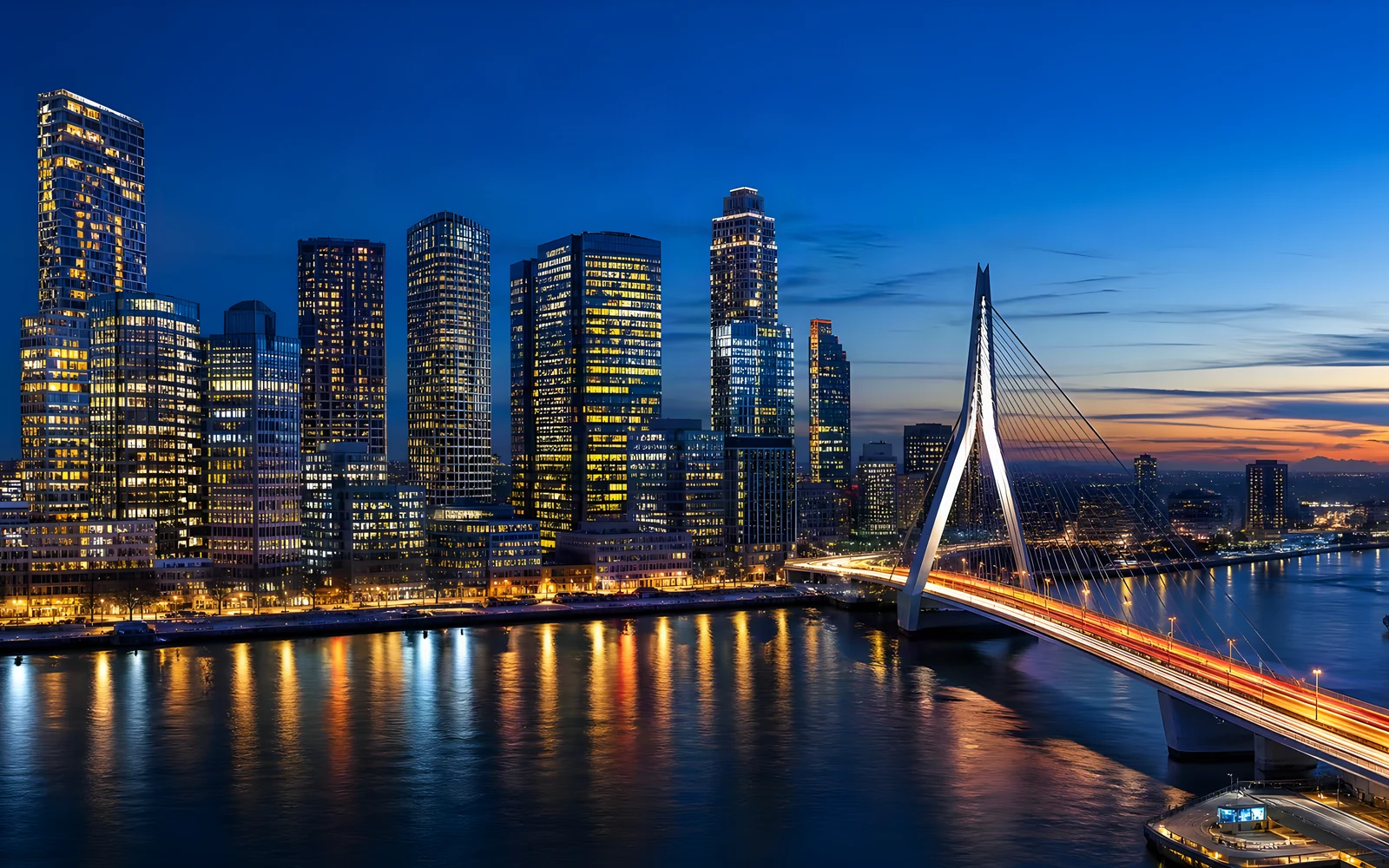
A 4K wallpaper of a city skyline and cable-stayed bridge at blue hour

Slides and presentations on 4K displays

Many meeting room screens and projectors run at 4K. Run charts, photos and screenshots through the 4K image converter before you place them on a slide, so they stay sharp on the big screen instead of turning blurry when the deck goes full screen.

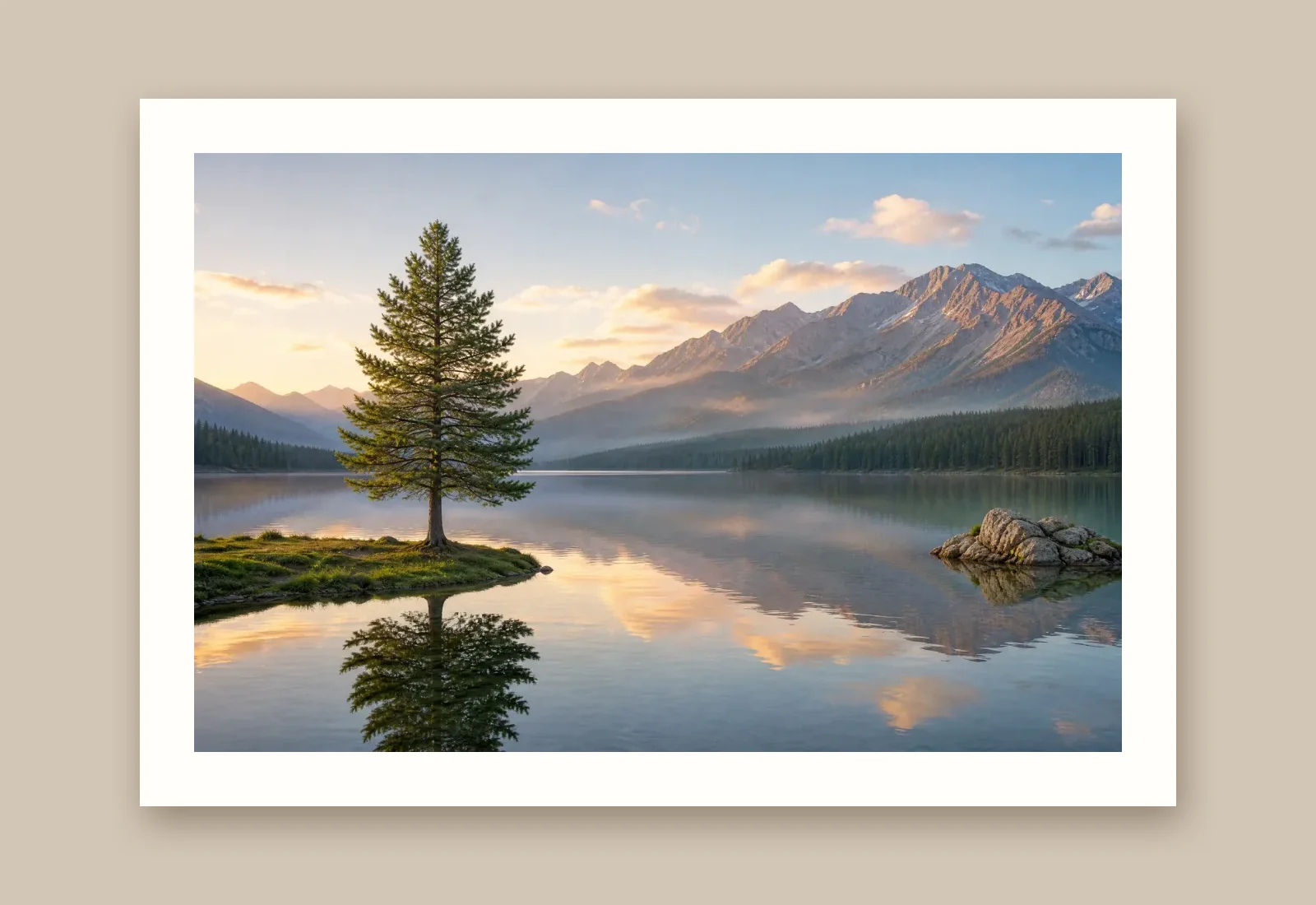
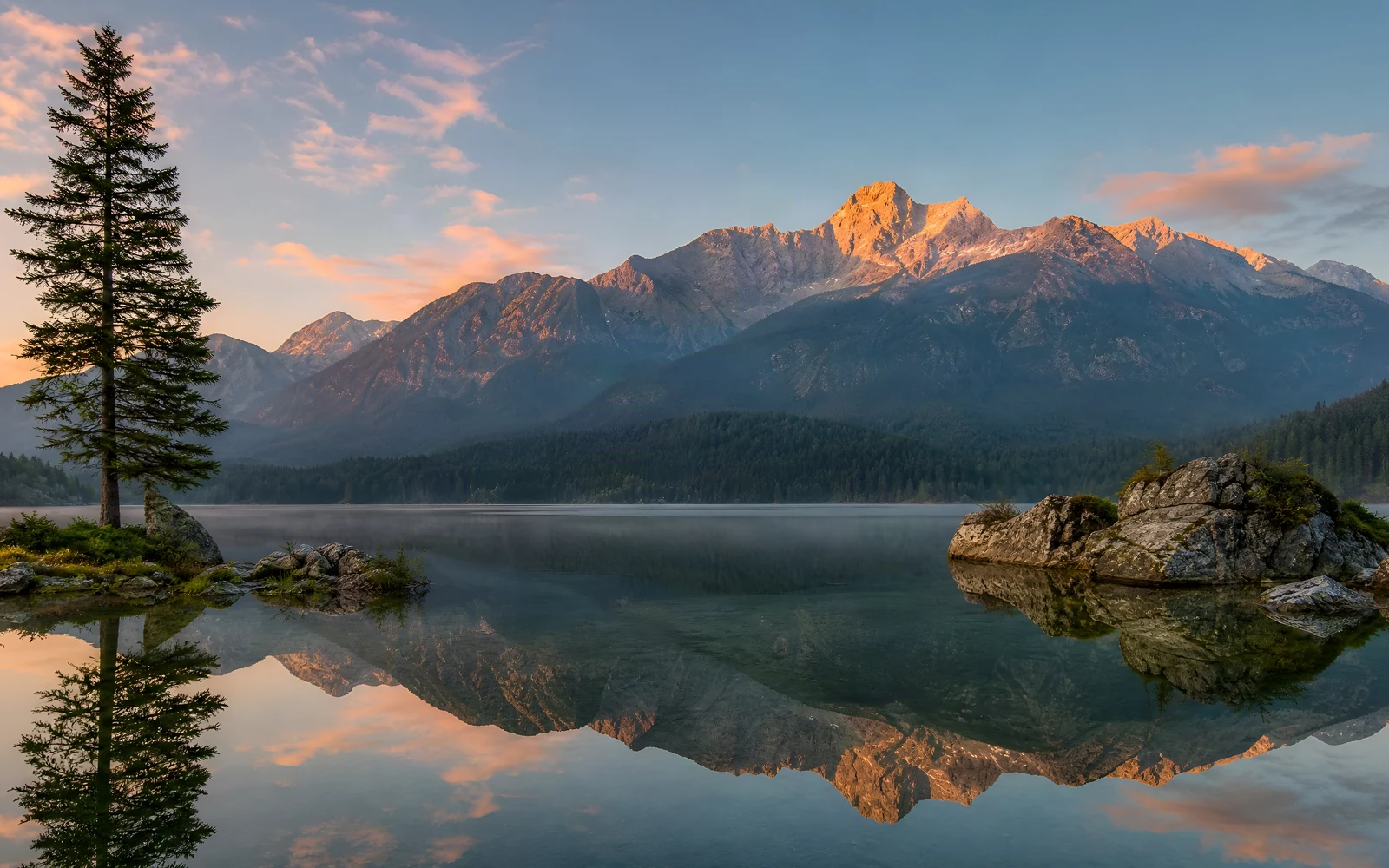
A 4K landscape of an alpine lake at sunrise for a presentation slide

Product photos for stores and catalogs

Supplier images often arrive at 800 or 1,000 px. When the 4K image converter turns each image into 4K, a store zoom feature and large banners get enough pixels to show stitching, labels and textures, while the original proportions keep every listing consistent.

A 4K product photo of a steel watch with a green dial on walnut wood

Prints, posters and photo books

At 300 PPI a 4K image prints at about 12.8 by 7.2 inches, and at 150 PPI it fills a poster of about 25 by 14 inches. Run family photos and artwork through the 4K image converter before you send them to a print shop or a photo book layout.

A 4K portrait of a woman with copper hair on a sea cliff, ready to print

Creator stories

How people use the 4K image converter

“My channel art started as a 1920 × 1080 render from an old project. The 4K image converter showed 3840 × 2160 before I pressed anything, so I knew 2× was enough. The PNG now sits behind my stream overlay on a 4K monitor and stays crisp.”
Jonas ReuterGame Streamer

FAQ

4K image converter FAQ

What 4K means, which images can reach it and how the 4K image converter keeps your proportions.

A 4K image converter enlarges an image until it reaches 4K resolution, 3840 pixels on the long edge. This converter uses AI super resolution to add the missing pixels, so the result shows sharp detail at 4K instead of stretched pixels, and you download it as a PNG.

Reviewed by Super Resolution TeamUpdated

Use the 4K image converter on your next photo

Pick a photo, a screenshot or a 2K render, let the 4K image converter choose the factor it needs and save a sharp 4K PNG for your monitor, your slides or the print shop.

Convert to 4K