







BLACK FRIDAY

2× credits on new plans, plus 2× packs for subscribers. Ends Dec 1.

Ends Dec 1, 11:59 pm PTGet 2× credits

8K Image Upscaler

Check the 8K dimensions of your JPG, PNG or WebP for free. The 8K image upscaler shows the factor you need and exports a PNG with a 7680-pixel long edge at the original aspect ratio.

The same rooftop and pigeons in a preview of the 8K export
Pigeons above a city rooftop at sunset in the source image
Source: 1280 × 7208K output preview
Mode
Upscale factor

Optional setting for images that show people. Leave it off for images without people.

Requires purchased credits
Output
—
Cost
—
  • 7680 px long edge
  • Original proportions
  • PNG export

See it in action

8K image upscaler before and after

Compare the same area of the source and the 8K PNG at equal zoom. Look at small text and fine textures before choosing the export for your project. A 7680-pixel long edge describes image size. Move the slider to compare how edge detail looks at the same zoom.

Matching rooftop preview from the 8K PNG, showing the birds and railing
Boy watching pigeons over a sunset rooftop before enlargement
BeforeAfter

City rooftop at sunset

A 1280 × 720 source reached a 7680 × 4320 PNG after an 8× upscale and an export at the target size. The comparison uses reduced previews.

Enlarged lava scene preview showing edges in the steam, sparks and rocks
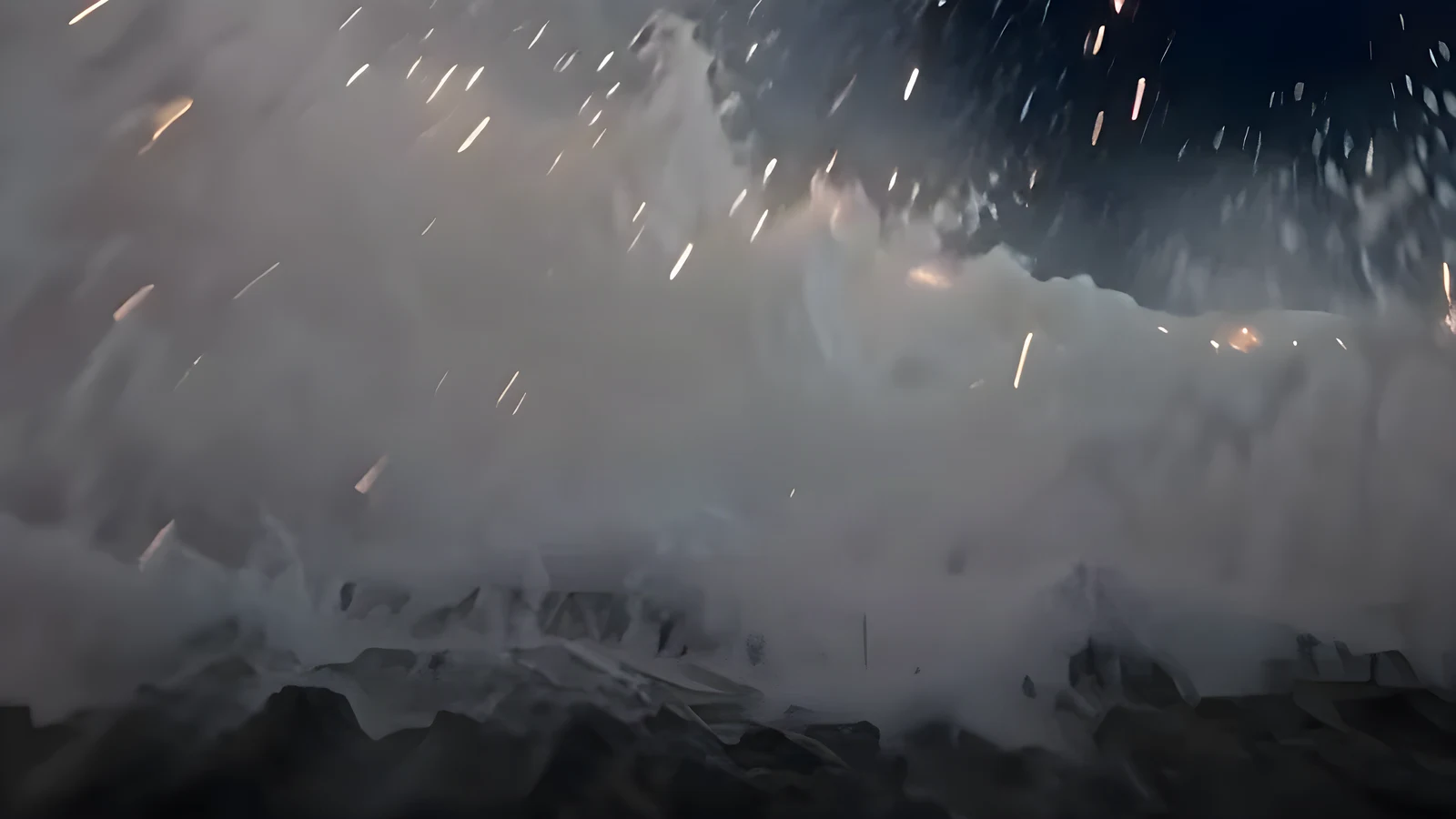
Steam, sparks and dark rocks in the low-resolution lava source
BeforeAfter

Lava reaching the ocean

A 640 × 360 source was enlarged in two passes. Compare the steam and rock edges in reduced previews of the source and enlarged image.

Matching enlarged seaside portrait with visible strands of windblown hair
Original seaside portrait with loose hair blowing against the sky
BeforeAfter

Windblown hair on the coast

A 1280 × 720 seaside portrait reached 10240 × 5760 at 8× with Enhance faces on. Inspect the hair against the sky in these reduced previews.

Enlarged kitchen scene showing hands, flour and folds of dumpling dough
Source scene of three generations rolling dumpling dough at a table
BeforeAfter

Three generations making dumplings

The archived 2560 × 1440 kitchen image reached 10240 × 5760 at 4×. Check the hands, flour and dough before keeping the larger PNG or exporting the 8K copy.

Features

Original proportions with the 8K image upscaler

Exports from the 8K image upscaler keep the original frame and set a fixed long edge. The four details below explain when you can reach that target and which copy to use afterward.

See which factor can reach 8K

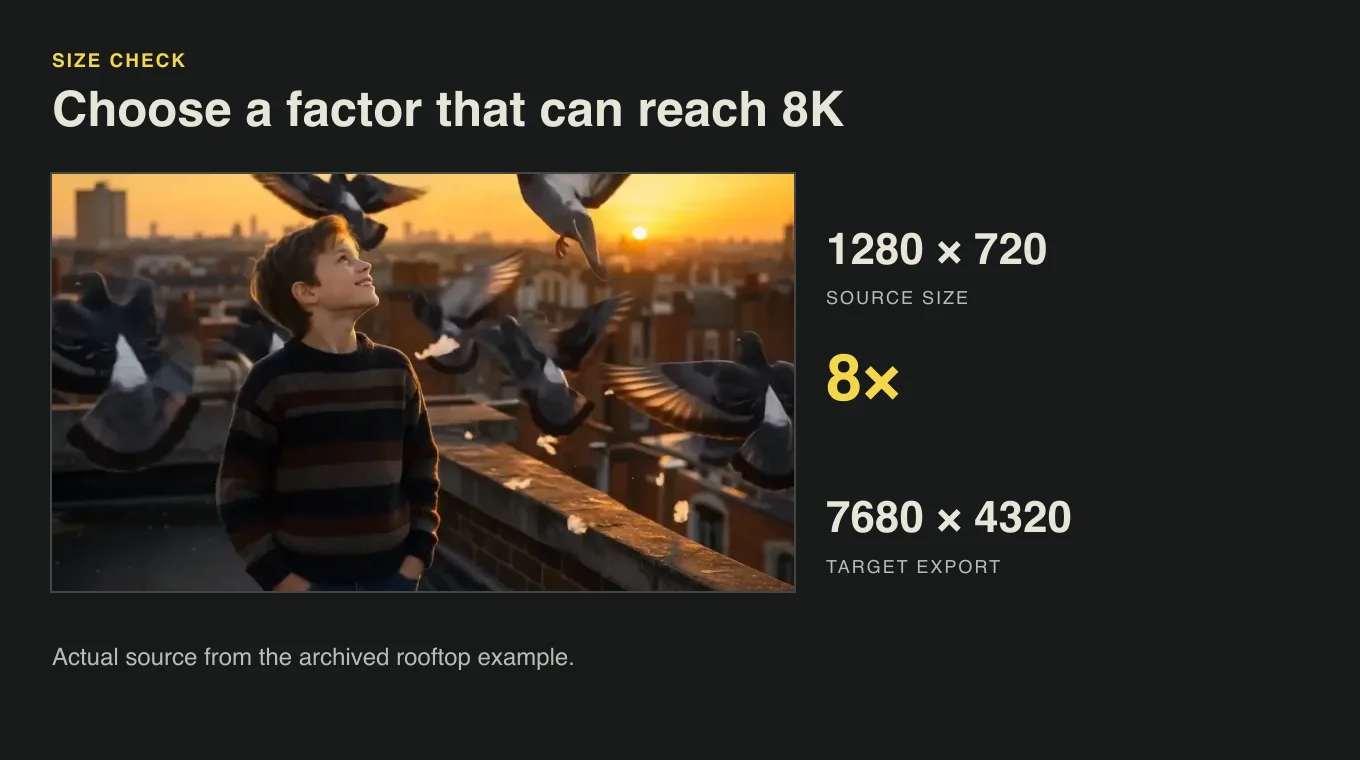
Check the target and the required factor in the 8K image upscaler before starting. To upscale an image to 8K from 1920 × 1080, choose 4×. A factor multiplies both source dimensions. The workspace uses the starting dimensions and the intermediate result to show which path can reach the long edge.

Check 8K size
Rooftop source with its original size, 8× factor and 8K target shown

Keep the composition intact

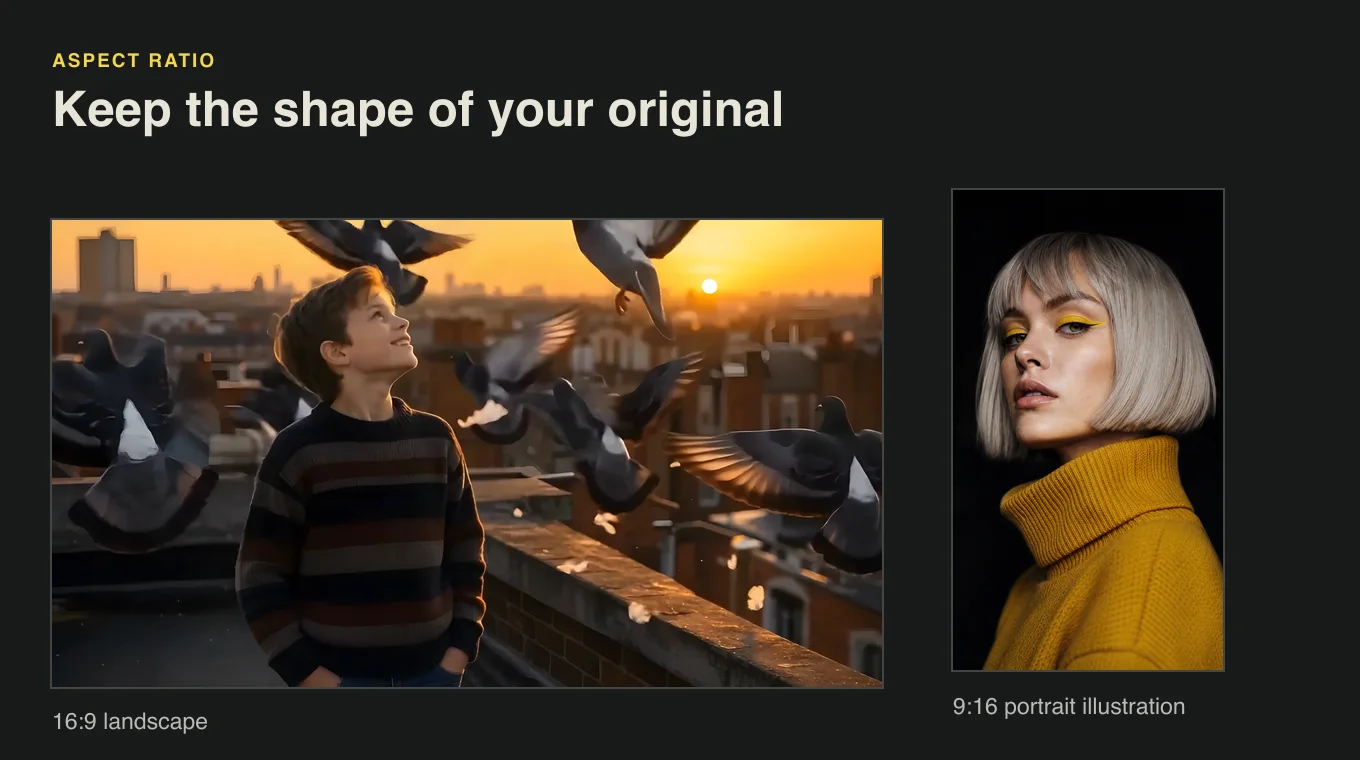
In the 8K image upscaler, the long edge of the PNG measures 7680 pixels, while the short edge scales with the original proportions. A landscape stays landscape and a portrait stays portrait. You can use the same export for a design that already depends on the position of faces, margins or objects in the frame.

Check 8K size
Landscape and vertical image frames showing different aspect ratios

Start from 4K if you have it

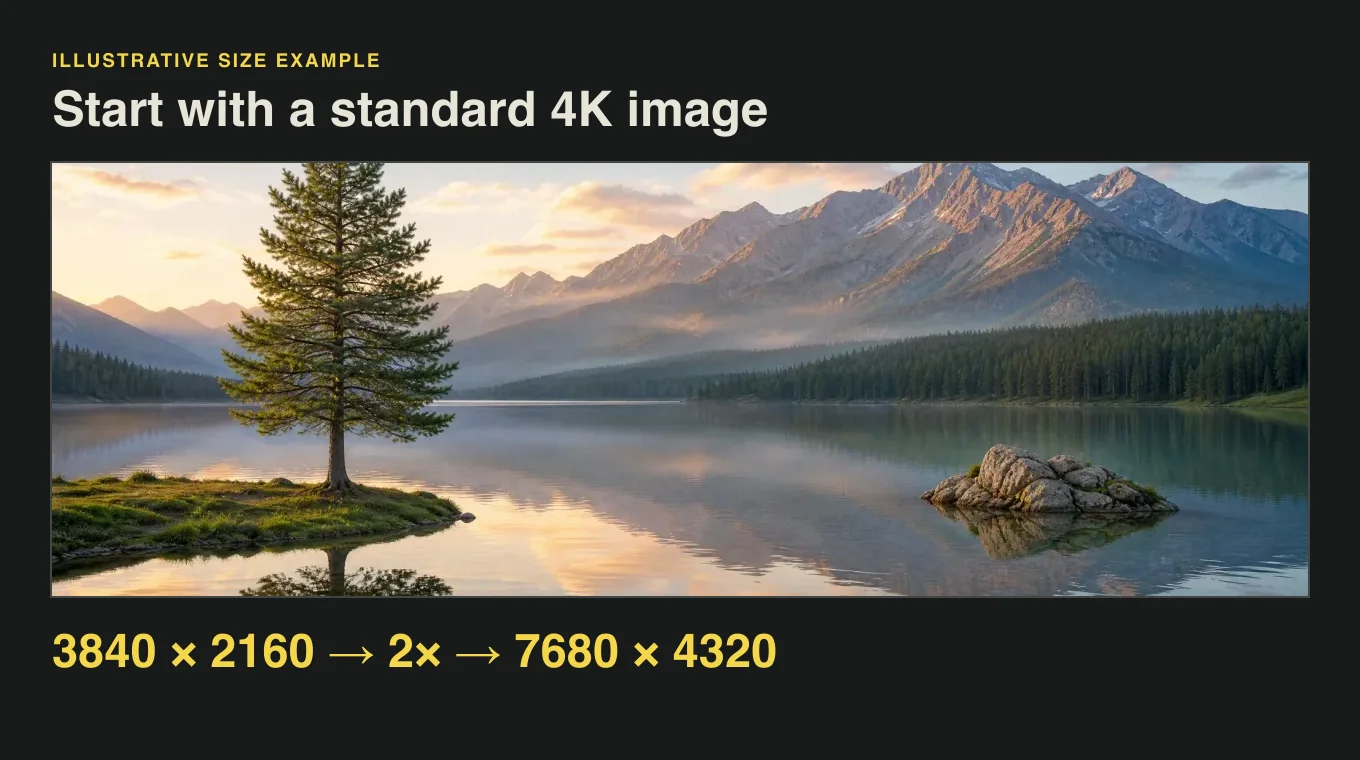
With the 8K image upscaler, a 3840 × 2160 frame can reach 7680 × 4320 through a 2× upscale. Check the source dimensions first, especially when the asset was exported at a custom size. Smaller frames can need a higher factor, and very wide or tall artwork will have a different short edge.

Check 8K size
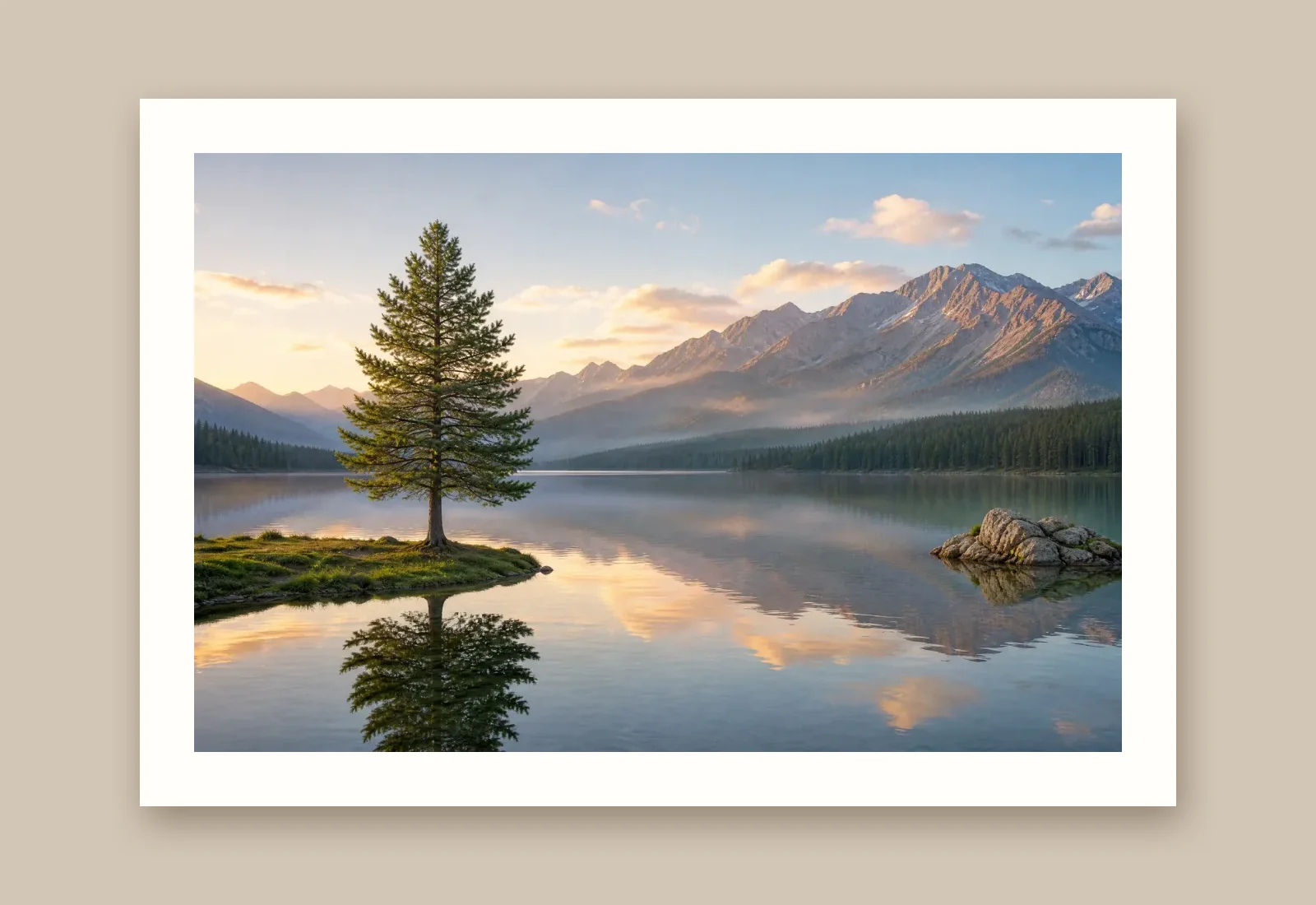
Mountain landscape illustrating how a 4K frame reaches 8K at 2×

Choose the exact-size copy for delivery

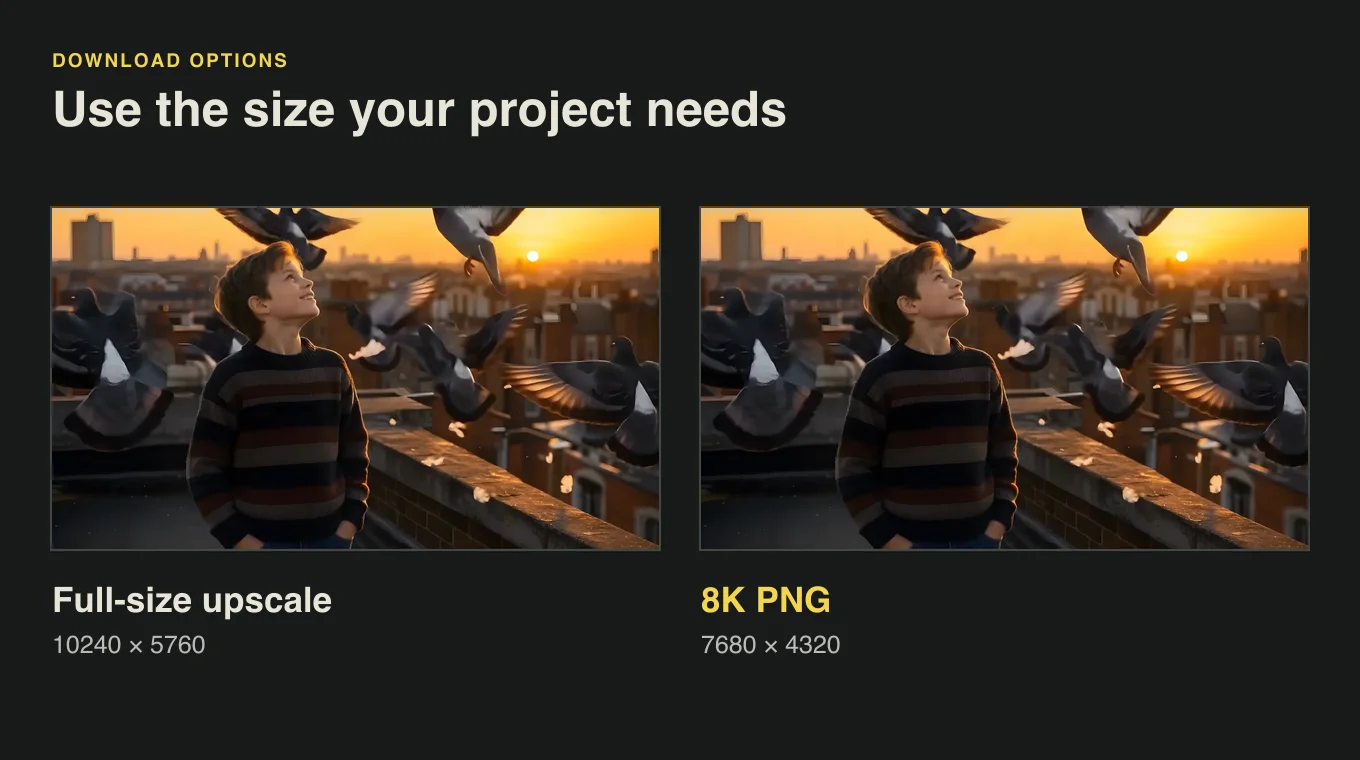
The upscale can produce an intermediate file that is larger than the target. Choose the PNG from the 8K image converter for a project that specifies the long edge, or download the full-size upscale separately if you want more pixels for editing. When the upscale already matches the target, it needs no further resizing.

Check 8K size
Full-size and 8K previews of the same rooftop image with their dimensions

How it works

How to use the 8K image upscaler

Preview the 8K image upscaler’s target dimensions before processing. The workflow starts with an original still and ends with a PNG sized for your display or layout.

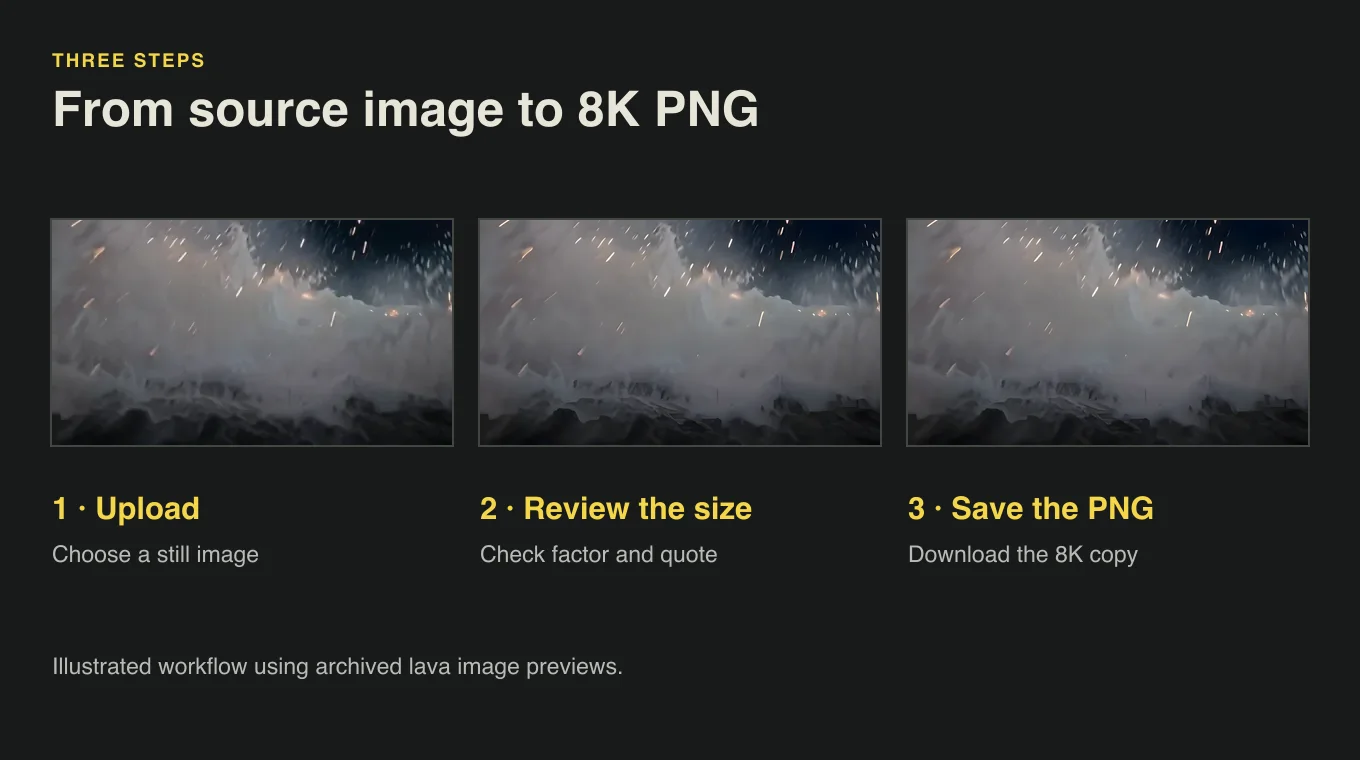
Three illustrated steps to upload a still, review the size and save the 8K PNG
  1. 1

    Upload a still image

    Choose a JPG, PNG or WebP up to 20 MB. With the 8K image upscaler preview, you can see how the uploaded still fits an 8K canvas before you choose a factor.

  2. 2

    Choose the factor for your 8K image

    Read the 8K image upscaler’s width and height preview. Choose the available factor that reaches the target and keeps your original proportions. For a vertical image, check the height first.

  3. 3

    Save the 8K PNG

    Run the upscale and choose Download 8K PNG in the result. The export keeps the full frame at a long edge of 7680 pixels. Keep the separate full-size upscale if you need its extra pixels for a different canvas.

Use cases

Where to use an 8K image upscaler

An 8K image upscaler can prepare both horizontal and vertical artwork. Start with the aspect ratio of your intended layout to decide which source image to enlarge first.

8K wallpapers and presentation frames

For an 8K screen, bring an existing 16:9 landscape, still frame or render into the 8K image upscaler. Check that a 7680 × 4320 export matches your display layout, then inspect detailed areas before replacing the file in your presentation.
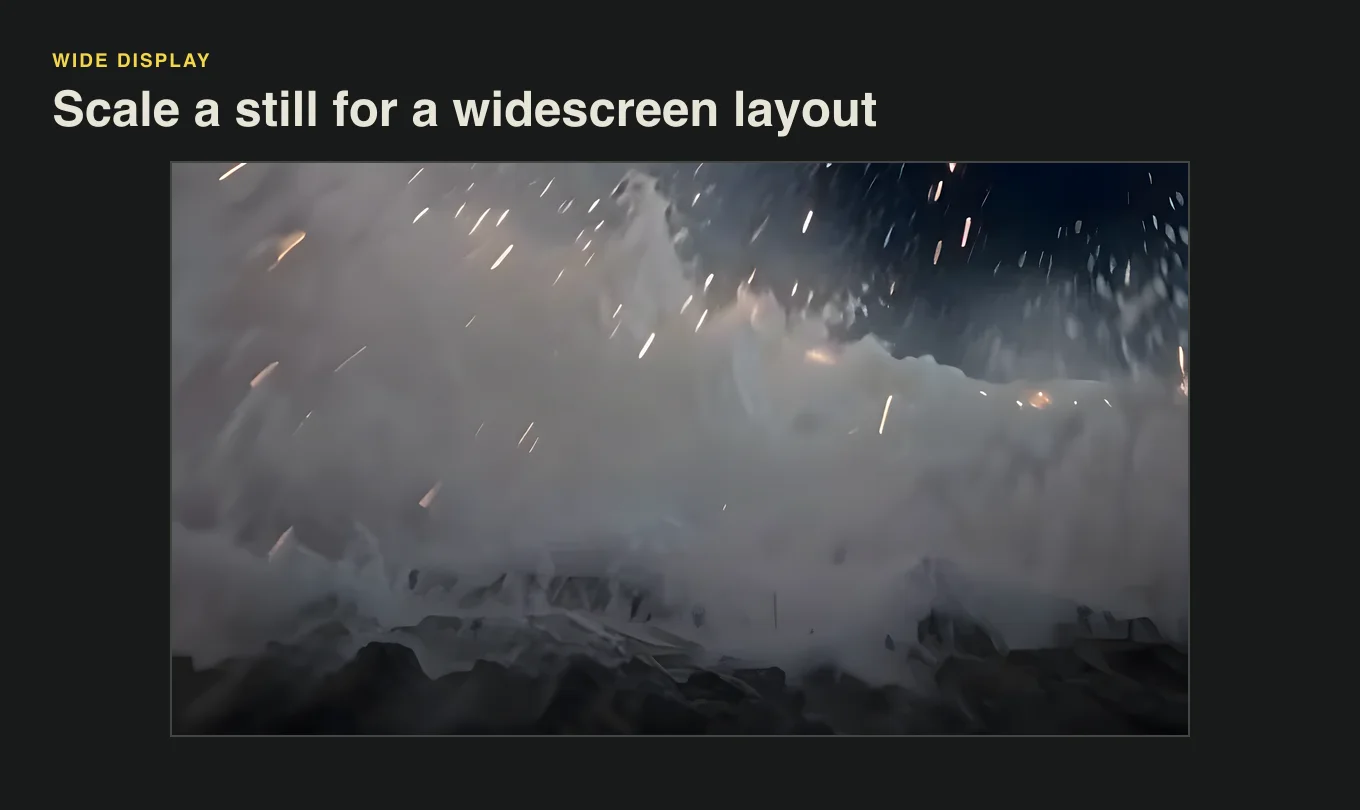
Wide image of lava meeting the ocean

Vertical display artwork

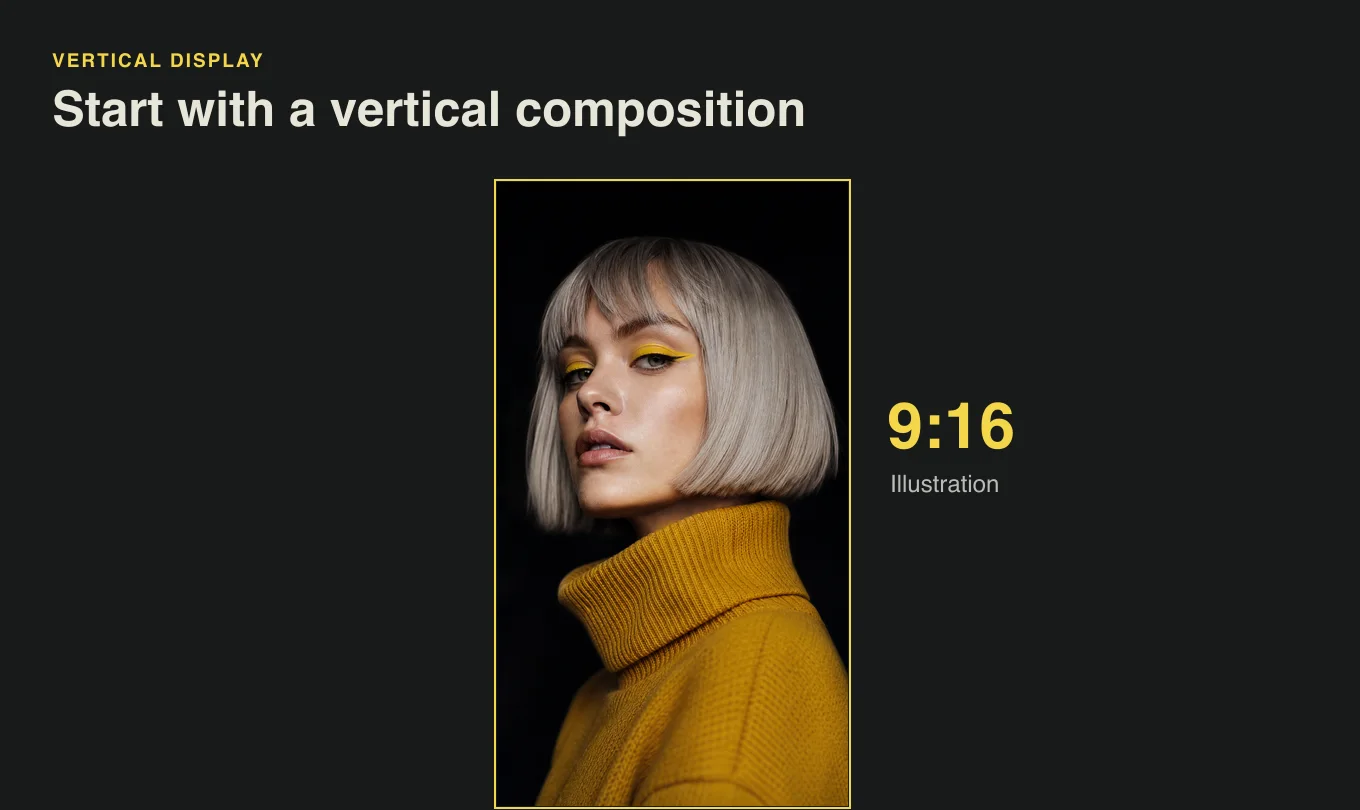
A 9:16 poster can export at 4320 × 7680 in the 8K image upscaler when the source can reach the target. This keeps the layout and margins in the same places when you bring the image into a vertical display project.

Vertical layout using a silver-haired portrait

Space for later layout crops

For layouts with several crops, make one large master copy with the 8K image upscaler before opening your editor. Review the texture where each crop will land and keep the source alongside the enlarged copy.

Rooftop image shown with a closer crop for editorial planning

Fixed-size asset handoffs

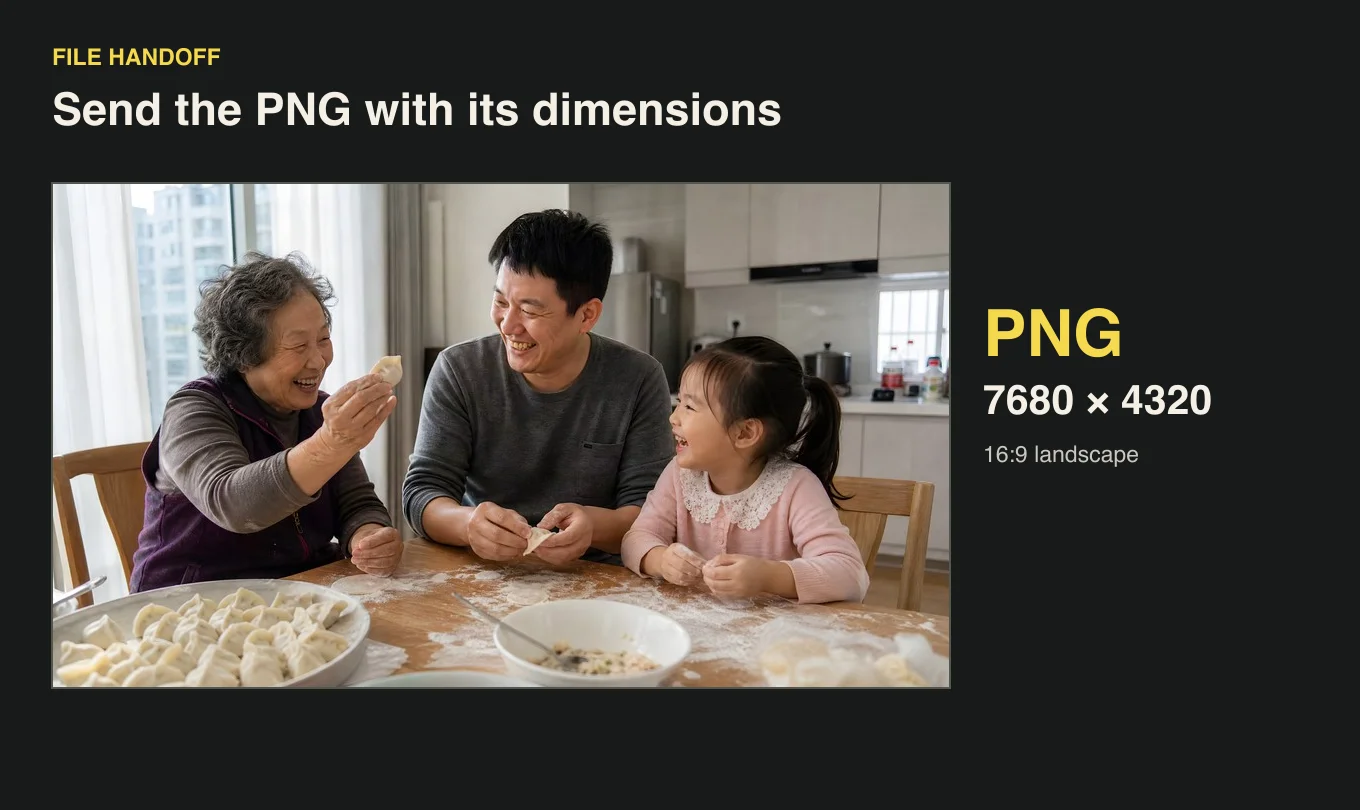
When a brief specifies an 8K long edge, share the resulting pixel dimensions with the PNG. A recipient can then check the file against the expected orientation, ratio and size before using it in their layout.

Dumpling-making scene labeled as a 7680 × 4320 PNG handoff

Creator stories

How creators use the 8K image upscaler

“The wide shot of a tram at dusk was the first slide in our exhibition loop. I ran the original through the 8K image upscaler and used the PNG at the same proportions as the photograph. I liked that the tram stayed in the lower corner and the sky still had room for our opening title.”
Elena MárquezExhibition Designer

FAQ

8K image upscaler FAQ

These 8K image upscaler answers explain which sources can reach the target, what the PNG contains and how to verify its size on your own device.

An AI image upscaler for 8K enlarges a still image to meet the pixel dimensions of an 8K project. This tool exports a PNG with a 7680-pixel long edge and scales the short edge in proportion.

Reviewed by Super Resolution TeamUpdated

Try the 8K image upscaler on your next image

Upload a JPG, PNG or WebP to the 8K image upscaler to see the dimensions your file can reach. Choose the factor for your source and save the PNG for your display or layout.

Check my image